
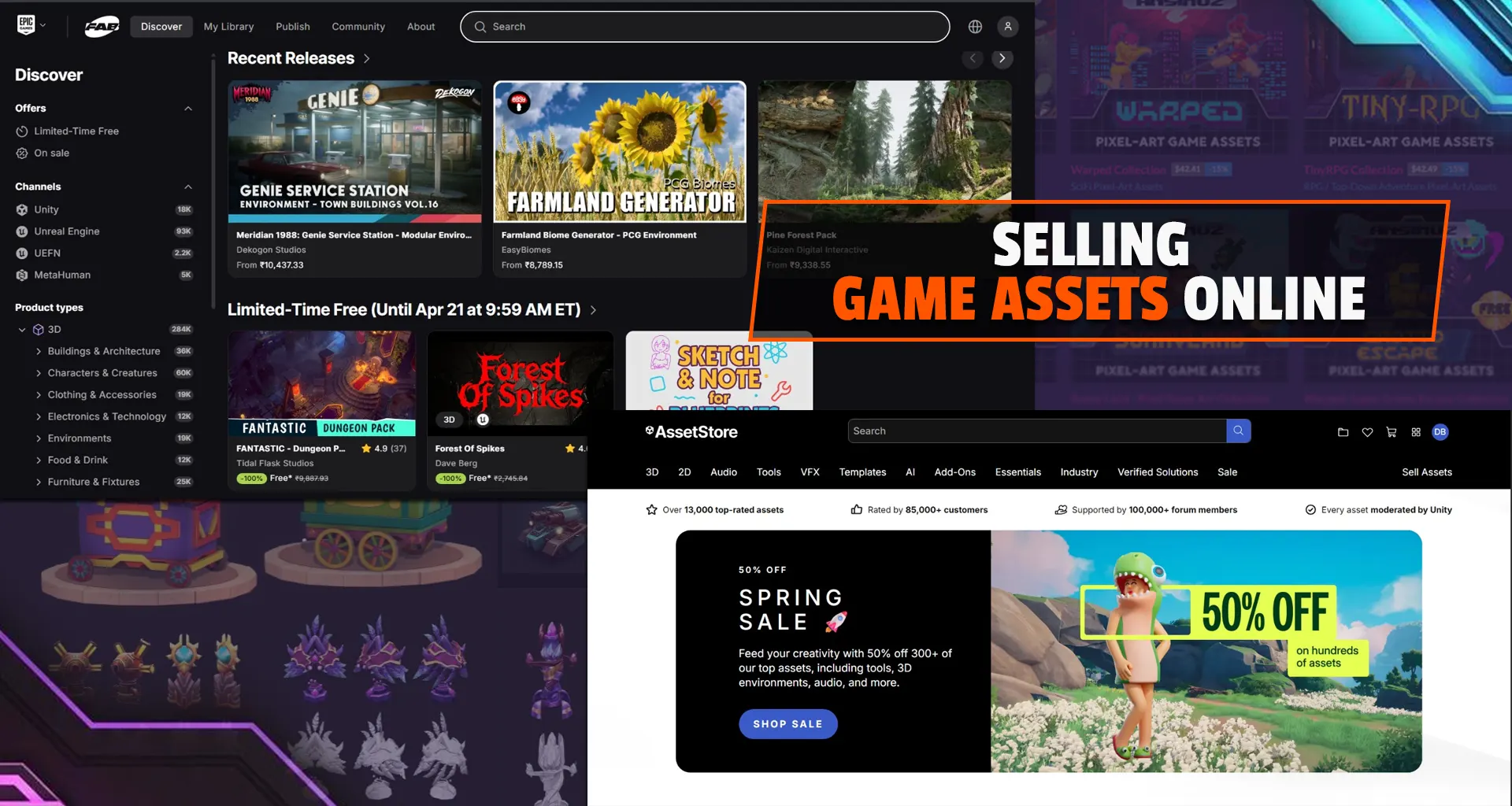

Selling game assets is one of the most practical ways to earn from your skills as a developer, artist, or designer, without building a full game.
Whether you create 3D models, UI kits, sound effects, or scripts, marketplaces like Unity Asset Store and Epic Games’ Fab Marketplace give you direct access to thousands of developers looking to save time and improve their projects.
What Are Game Assets?
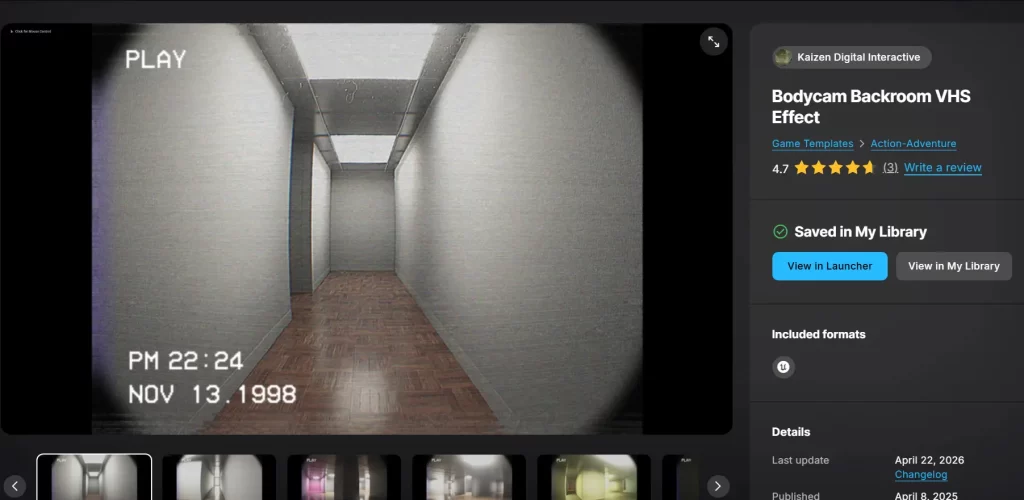
Game assets are reusable components used in game development. Instead of creating everything from scratch, developers often rely on pre-made assets to speed up production and maintain quality. These assets can range from 3D models such as characters, props, and environments to 2D elements like sprites, icons, and UI kits.
Audio assets, including music and sound effects, are also in high demand, as well as scripts and tools that handle gameplay systems or automation.
Visual effects such as particles, lighting systems, and shaders also fall into this category. In simple terms, if your work helps a developer save time or solve a problem, it has value in the marketplace.
Where to Sell Your Assets
The two most popular platforms for selling assets are tied to major game engines. The Unity Asset Store caters to a massive audience of indie developers and studios, making it a beginner-friendly platform with strong demand for tools, mobile-ready assets, and scripts.
On the other hand, Fab (the unified marketplace from Epic Games) attracts creators aiming for high-end visuals and AAA-quality production. It is the destination for realistic environments, advanced materials, and complex Blueprint systems. Many successful creators choose to publish on both platforms to maximize reach and revenue.
Step 1: Choose What to Create (Smartly)
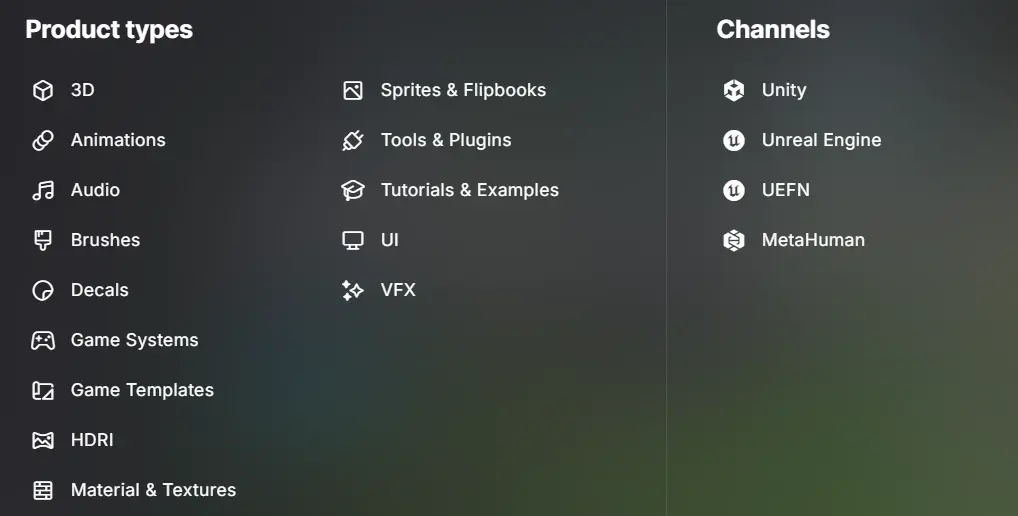
A common mistake beginners make is creating assets based only on personal interest rather than market demand. The smarter approach is to study what developers actually need. High-performing assets often include modular environment packs, complete character controllers, ready-to-use UI systems, stylized or low-poly asset collections, and VFX packs that can be easily integrated into games.
By exploring top-selling assets and reading user reviews, you can identify gaps in the market or opportunities to improve existing solutions. The goal is not just to create something good, but something useful.
Step 2: Follow Technical Requirements
Both Unity and Fab have clear technical standards, and ignoring them can lead to rejection. In Unity, assets need to be well-organized with clean project structures, properly configured prefabs, and clear documentation. Compatibility across different render pipelines (Built-in, URP, or HDRP) is also critical.
For Fab, emphasis is placed on organized folder hierarchies, readable Blueprints, properly configured materials, and a demonstration level that showcases how the asset works in a real project. Meeting these standards not only helps with approval but also builds trust with buyers.
Step 3: Presentation Drives Sales
Even a high-quality asset can fail if it is poorly presented. Your asset page acts as your storefront, and first impressions matter. A clear and professional thumbnail helps your asset stand out, while high-quality preview images demonstrate how it performs inside an actual game environment. Including a demo video significantly increases conversions because it allows potential buyers to understand the asset in action.
The description should clearly explain what the asset does, how it can be used, and why it is worth buying instead of building from scratch. Buyers are always evaluating value versus effort.
Step 4: Pricing Strategy
Pricing is often tricky for beginners. Setting the price too low can make your asset seem low quality, while pricing too high without credibility can discourage buyers. A balanced approach works best. Smaller assets are typically priced lower, while more complex systems or complete packs can command higher prices.
It is often a good idea to start competitively, gather reviews, and then adjust pricing as your reputation grows. Over time, your portfolio itself becomes a factor that justifies higher pricing.
Step 5: Documentation and Support
One of the most overlooked aspects of selling assets is documentation and customer support. Clear instructions on how to set up and use your asset can make a huge difference in user experience.
Providing examples and addressing common issues in advance reduces friction for buyers. Beyond that, responding to questions, fixing bugs, and updating assets for newer engine versions shows professionalism and builds long-term trust. Good support often leads to better reviews, and better reviews directly impact sales.
Check out the Unity and Fab Documentation process.
Step 6: Marketing Your Assets
Simply publishing an asset does not guarantee visibility. Marketing plays a crucial role in driving traffic and conversions. Creating content around your asset, such as tutorials or breakdowns, can help attract attention while demonstrating value.
Platforms like YouTube, LinkedIn, and developer communities are particularly effective for reaching your target audience. Sharing insights into how the asset was built or how it can be used in real projects helps position you as both a creator and a problem-solver.
Common Mistakes to Avoid
Many beginners struggle because they upload assets without refining them for real-world use. Creating generic or unoptimized assets, especially those that perform poorly on mobile devices, can limit your reach. Another common issue is poor documentation or the absence of a demo scene, which makes it difficult for buyers to understand the asset’s functionality.
Some creators also tend to upload large, unstructured asset collections instead of focused, curated packs that solve specific problems. Finally, many give up too early, not realizing that success in this space often comes from consistency and building a strong portfolio over time.
How Much Can You Earn?
Earnings from selling game assets vary significantly based on your skill level, the consistency of your output, and market demand. As a beginner, you may earn very little initially, but with high-quality, problem-solving assets, this can scale from a few dollars to thousands per month. While some top-tier publishers generate $10,000+ monthly, many others earn a modest, supplemental income.
Top sellers often build a large catalog of high-quality assets, allowing them to scale their revenue significantly. The key is to treat asset creation as a long-term effort rather than a one-time release.
Selling game assets is ultimately about understanding what developers need and delivering solutions that save time and improve workflows. Platforms like Unity and Fab provide the infrastructure, but success depends on the value you create. Starting small, focusing on quality, and learning from user feedback will help you grow steadily in this space.
Meanwhile, keep following Game Insider Blog for more such articles.