

Game development is very complex and not as easy as most people think. Studios take years in writing, design, and technology development to even write a code for the game. It’s not because they don’t have the manpower, but rather because they are setting the foundation for the game.
A well-planned foundation helps prevent massive overhauls later in development, which are costly and time-consuming. It’s much harder to fix a core architectural flaw in a game with millions of lines of code than it is to fix a flaw in a design document or prototype.
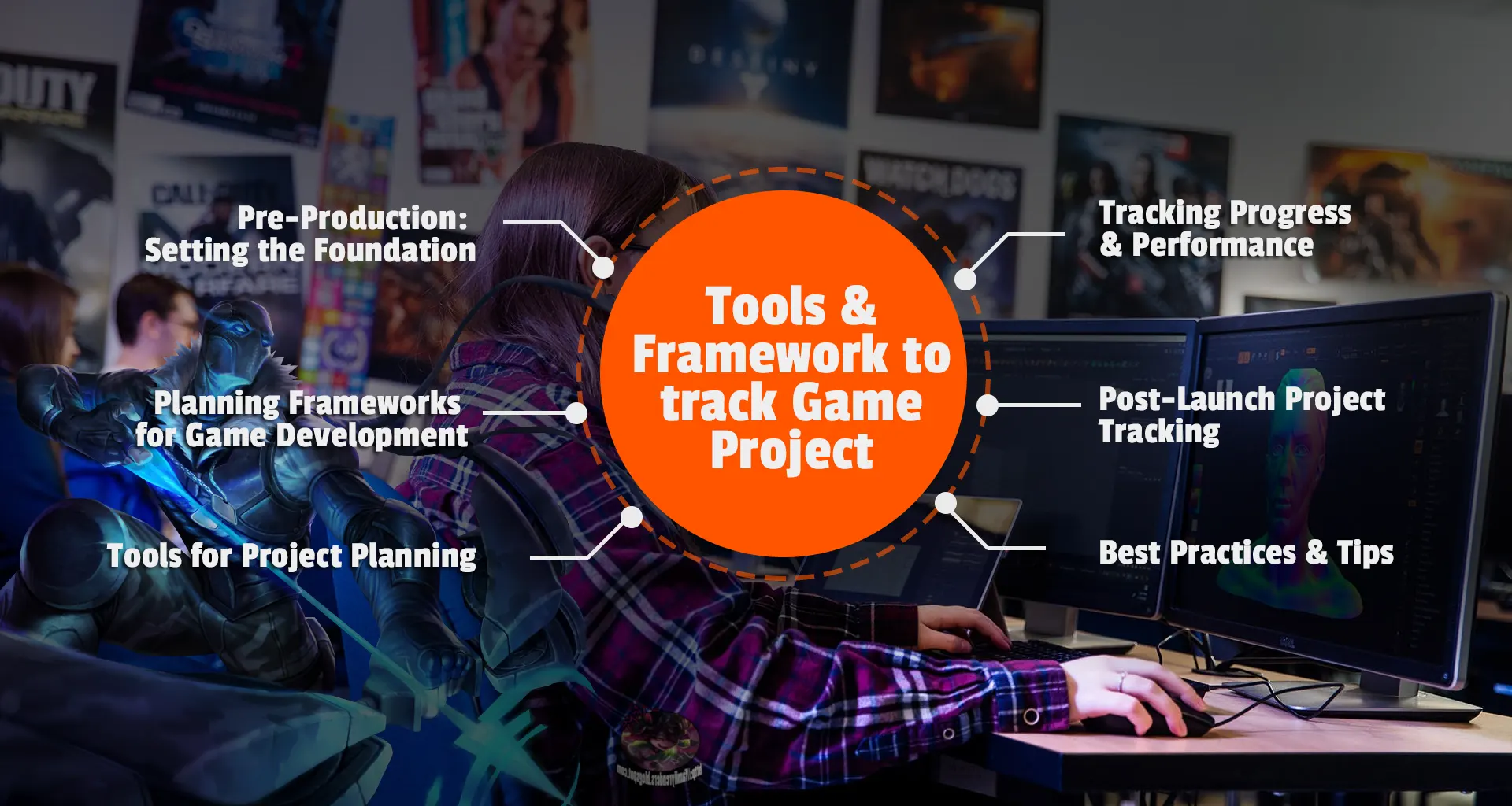
This guide walks you through the essential frameworks and tools for organizing your game project, from concept to launch and beyond. Whether you’re an indie developer or part of a larger studio, structured management can help you build the dream game.
1. Pre-Production: Setting the Foundation
Before writing the first line of code or sketching concept art, start by setting the foundation.
Define the Vision
Start with a clear concept. What kind of experience do you want to create: a story-driven RPG, a casual puzzle game, or a competitive multiplayer title? Identify your target audience first, core gameplay mechanics, and the platforms you’ll develop for.
Set measurable goals: what makes your game unique, and how will you define success (downloads, player retention, or critical acclaim)?
Create a Game Design Document (GDD)
The GDD is your project’s backbone. It details gameplay mechanics, level progression, character design, story arcs, UI/UX, monetization, and more. Use collaborative platforms like Notion, Google Docs, or Confluence so team members can edit and comment in real time. A living document ensures everyone, from designers to coders, stays aligned on the same page.
Build a Roadmap
A roadmap visualizes the project timeline: prototype → alpha → beta → launch. Tools like Miro, Whimsical, or Trello help lay out stages, set deadlines, and mark dependencies. This ensures the creative process stays balanced with achievable milestones.
2. Planning Frameworks for Game Development
Unlike traditional software projects, games are inherently iterative. Mechanics evolve through playtesting, and design ideas change mid-way drastically. That’s why flexible frameworks like Agile, Scrum, and Kanban are widely used in game studios.
Agile Development
Agile emphasizes adaptability and iteration. The game is built in short “sprints,” usually 1–2 weeks long. After each sprint, the team reviews progress, collects feedback, and adjusts priorities. This structure helps refine mechanics and fix gameplay issues early, reducing rework later.
Scrum
Scrum is a structured form of Agile; perfect for teams that prefer daily standups, sprint reviews, and retrospectives. Each member (developer, artist, or designer) commits to sprint goals.
For example, a two-week sprint might aim to finish a playable prototype or finalize a combat mechanic.
Kanban
Kanban offers a more visual, continuous workflow. Tasks are displayed on a board: To Do, In Progress, and Done. It’s a favorite for asset management, bug fixing, and polishing phases. Tools like Trello or HacknPlan let you track game design, art, and programming tasks seamlessly.
Hybrid Models
Many studios use hybrid approaches, combining Agile’s flexibility with Waterfall’s structure. Large projects like AAA games often require strict milestones for marketing, QA, and certification, while still keeping iterative testing cycles.
3. Tools for Project Planning
Choosing the right tools can make or break your workflow. Here are some tried-and-tested ones:
Task Management & Collaboration
- Trello – Great for small teams and visual thinkers.
- Jira – Preferred by larger studios for complex project tracking.
- Asana / ClickUp – Offers detailed timeline and workload features.
Example: Indie developers often use Trello to manage their entire pipeline, from concept art to bug reports. Trello also has a free tier, allowing solo developers and small indie teams to use it without thinking about the cost. Meanwhile, AAA studios rely on Jira to assign and monitor thousands of simultaneous tasks.
Documentation & Communication
- Notion / Confluence / Google Workspace – For maintaining design docs and asset references.
- Slack / Discord – For daily communication, announcements, and version updates.
Keeping everything centralized prevents the “lost in chat” problem and builds better team cohesion.
Version Control
Game projects involve large teams working on scripts, textures, and models simultaneously. Tools like GitHub, GitLab, or Perforce manage these files safely. Proper branching and merging practices protect your build from accidental overwrites — a must for any professional game project.
4. Tracking Progress & Performance
Tracking is more about monitoring quality and efficiency than checking the deadline.
Milestone Tracking
Use Gantt charts or burndown charts to visualize progress. Platforms like Monday.com or ClickUp help track dependencies, resource allocation, and delays.
QA and Bug Tracking
Bugs can derail progress if not systematically reported. Tools like HacknPlan, Bugzilla, or Jira provide structured bug reporting and linking to builds.
Playtesting & Feedback Loops
Regular playtests ensure mechanics feel right and difficulty scales well. Use feedback forms or platforms like PlaytestCloud or Steam Playtest to collect real user data and refine your design early.
Performance Metrics
Track how long tasks take, how frequently bugs recur, and the speed of sprint completion. Over time, this helps estimate workload and improve team productivity.
5. Post-Launch Project Tracking
The work doesn’t end at launch for a game. Studios always work on it, looking for any issues the player faces, improving it.
Ongoing Updates
Maintain a live roadmap on Trello or your website showing patches, DLCs, or community updates. This transparency builds trust and engagement.
Community Management
Use Discord, Reddit, or Steamworks to gather player feedback. Track common issues and integrate improvements in the next patch cycle.
Analytics & Retention
Analyze gameplay data (session length, drop-off points, engagement rates) using tools like Unity Analytics, GameAnalytics, or Firebase. Data-driven insights ensure your post-launch updates target what players care about most.
7. Best Practices & Tips
- Start small and scale later. Avoid feature creep; perfect the core gameplay first.
- Document everything. Clear documentation helps onboard new members quickly.
- Stay flexible. Game ideas evolve — change plan.
- Review regularly. Hold sprint retrospectives to evaluate what worked and what didn’t.
- Celebrate milestones. Small wins keep morale high during long development cycles.
Game development is a marathon of creativity and coordination. Planning and tracking aren’t about control; they’re about making them achievable. The right frameworks, paired with the right tools, keep your vision clear, your team synchronized, and your project on schedule.
Furthermore, keep an eye on our Game Insider World site to learn more about game development through expert mentors and coaches.