
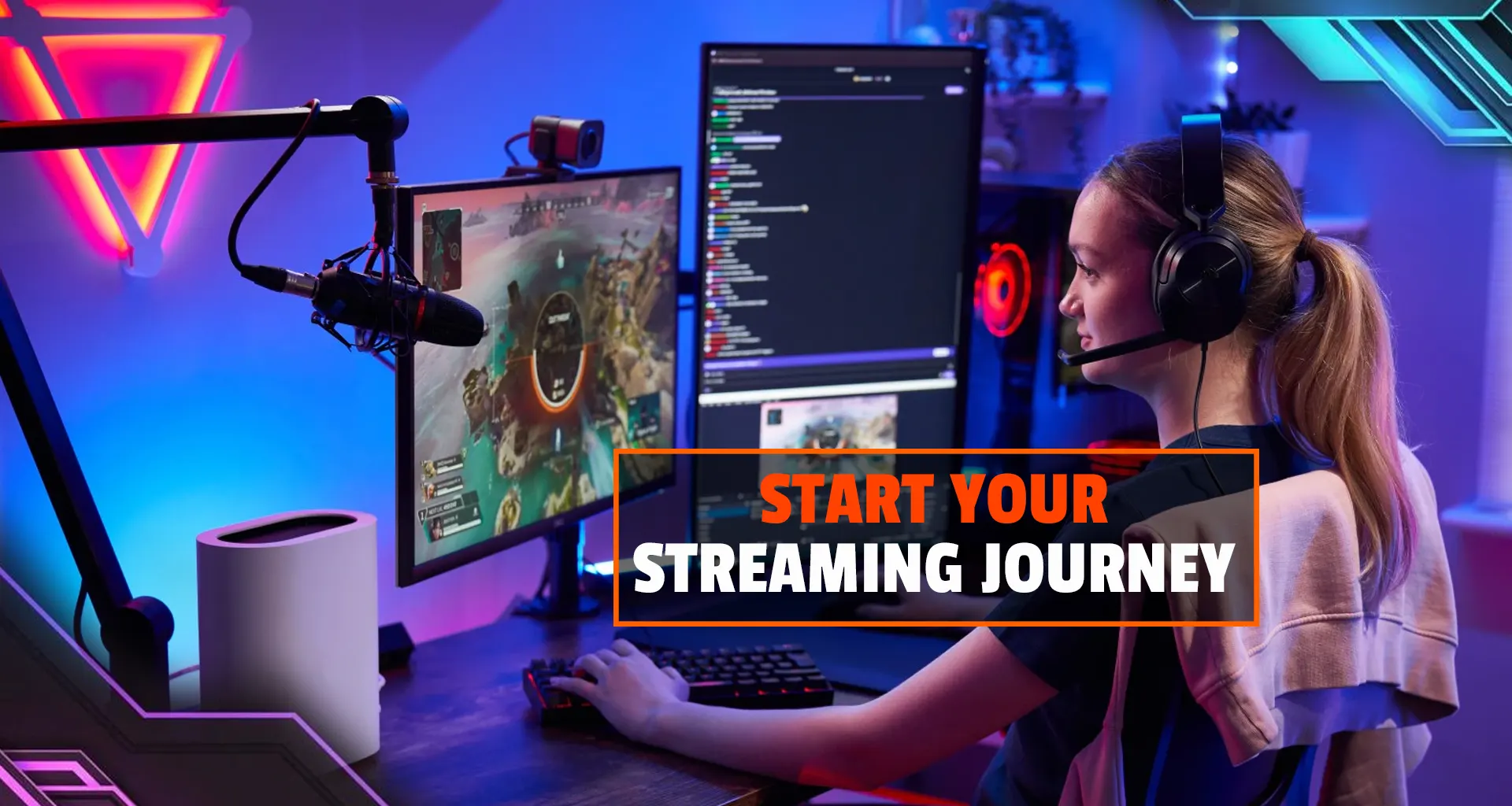

Live streaming has become one of the most popular ways to share content, build communities, and even earn money online. It is the easiest thing that anyone can do. You can stream video games, host talk shows, teach skills, or simply interact with an audience.
However, successful streaming requires a reliable technical setup, consistency, and a clear understanding of your content strategy.
Choose Your Streaming Platform
The first step is deciding where you want to broadcast, as different platforms attract different audiences and types of content. Popular platforms include Twitch, YouTube, Kick, and Facebook Live.
Twitch is widely known for gaming and interactive communities, while YouTube is great if you want to combine live streams with uploaded videos.
Kick has recently gained attention for offering better revenue splits for creators, while Facebook Live works well for audiences that are already active on social media.
Choosing the right platform depends on the type of content you want to create and where your potential viewers are. We recommend YouTube, which has a massive audience base, as well as an algorithm that gives everyone a fair chance, no matter where you stand.
Set Up the Necessary Equipment
You do not need an expensive setup to start streaming, but some basic equipment is necessary. The most important piece is a capable computer or laptop that can handle streaming software and your content simultaneously.
A stable internet connection is equally important; ideally, you should have an upload speed of at least 5–10 Mbps. For the most reliable broadcast, we recommend using an Ethernet cable rather than Wi-Fi to avoid unexpected lag or “dropped” streams.
A good microphone is crucial because viewers tolerate average video quality more than poor audio, so many beginners start with affordable USB microphones. If you want to show your face during streams, a webcam is also useful, and a simple desk lamp placed in front of you can significantly improve your video quality.
Another pro tip is to purchase a monitor you can use as an external screen. In this way, you can use your laptop to its full potential, gaming on the monitor while using the laptop for OBS, live chat, and reading.
Install Streaming Software
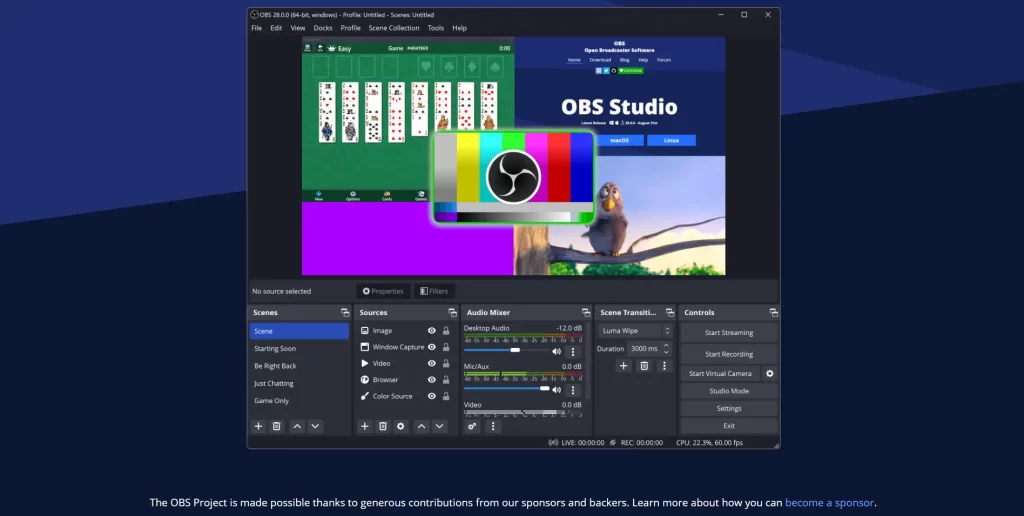
To broadcast your content, you will need streaming software. One of the most commonly used tools is OBS Studio, which is free, powerful, and used by many professionals. Another beginner-friendly option is Streamlabs Desktop, which offers built-in alerts and an easier setup.
Once installed, you will connect the software to your streaming platform using a unique stream key provided by the site. It is vital to keep this key private; anyone with access to it can broadcast to your channel without your permission.
Create Your Content Style
Before going live, think about the type of content you want to stream. Popular categories include gaming, discussions, tutorials, creative arts, or commentary. Consistency matters more than perfection when you start, so choose a niche you enjoy and stick with it.
Over time, viewers will start recognizing your style and personality.
Engage With Your Audience
Streaming is interactive, and engagement is what builds a strong community. Reading chat messages, responding to questions, and acknowledging viewers help create a welcoming atmosphere.
As your audience grows, you may want to use moderation bots like Nightbot to automatically filter spam or offensive language, ensuring your channel remains a safe space for everyone.
Promote Your Streams
Starting a stream does not automatically bring viewers, so promotion is an important part of growth. Share your streams on social media, gaming forums, or community groups.
You can also share short clips from your stream on platforms like TikTok, Instagram, or YouTube Shorts to attract new viewers. These highlights are often the best way for people to discover your channel for the first time.
Stay Consistent and Improve
The most important rule in streaming is consistency. Streaming regularly helps viewers know when to watch you and allows you to improve your speaking skills, technical setup, and content quality.
Many successful streamers started with very few viewers. With patience, regular streaming, and community engagement, your channel can slowly grow into something meaningful.
Follow the Game Insider Blog for more insights on gaming, esports, and creator careers.