
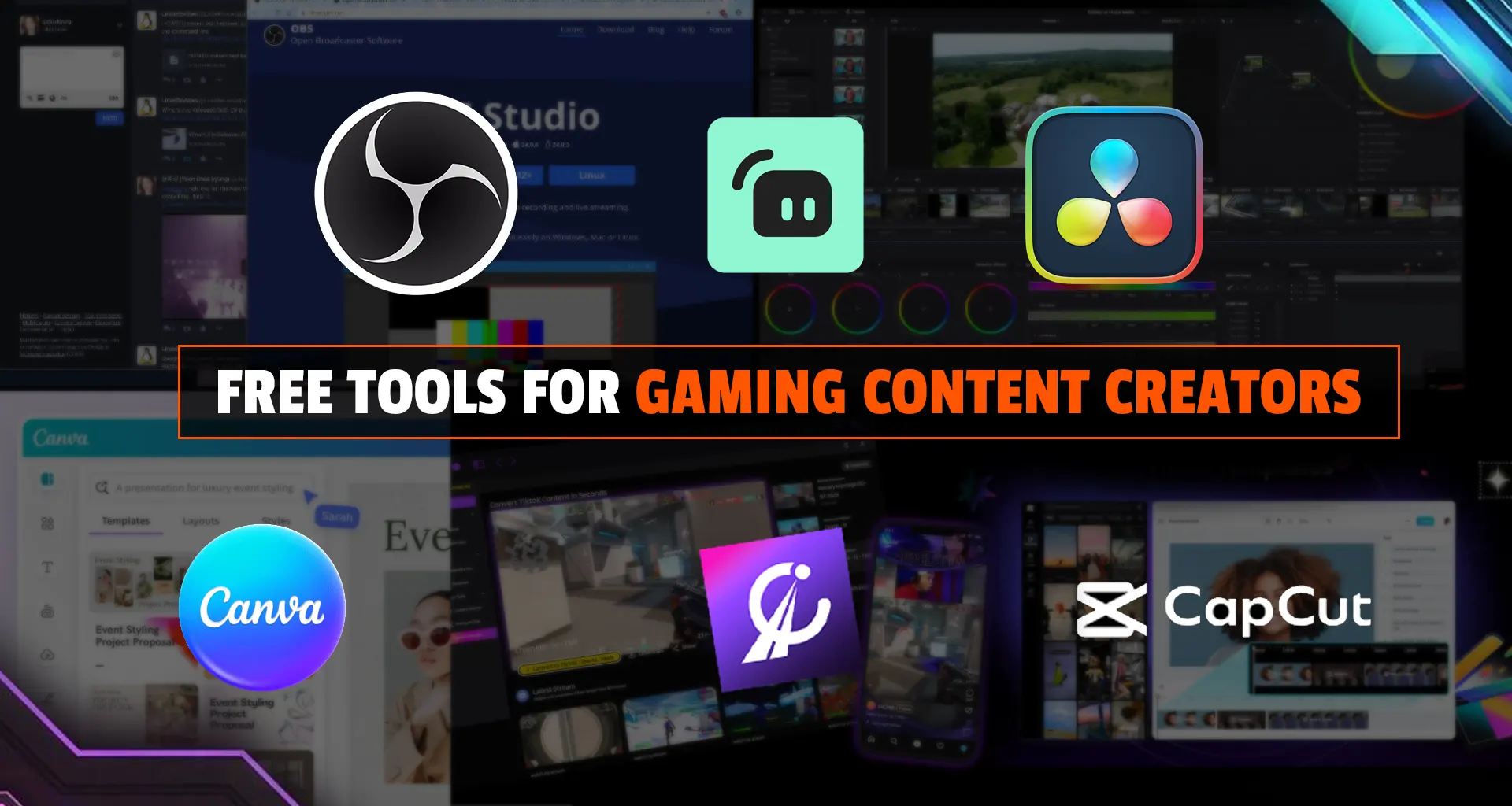

Gaming content creation isn’t just about playing games; it’s about recording, editing, designing, and distributing content efficiently. The right tools can significantly improve quality without costing anything. Below is a no-fluff breakdown of the most useful free tools across every stage of the workflow.
1. Recording & Streaming Tools
OBS Studio
The industry standard for free recording and streaming. It’s open-source, highly customizable, and supports plugins, multiple scenes, and high-quality output.
If you’re serious about gaming content, OBS is non-negotiable. It handles gameplay capture, webcam overlays, and live streaming in one place.
Streamlabs
A beginner-friendly alternative built on OBS. It simplifies overlays, alerts, and monetization features for Twitch and YouTube creators.
Best for creators who want a quick setup without deep technical tweaking.
2. Video Editing Tools
DaVinci Resolve
A professional-grade editor available for free, offering advanced color grading, VFX, and audio tools.
Despite being free, it’s powerful enough for cinematic-level content. Many creators never need to upgrade.
CapCut
Fast, intuitive, and ideal for short-form gaming clips (Reels, Shorts, TikTok).
Perfect for quick edits, memes, and viral content.
OpenShot
A simple, open-source editor for beginners with basic effects and timeline editing.
Use this if your PC can’t handle heavier software like Resolve.
3. Thumbnail & Graphic Design Tools
Canva
The easiest way to create thumbnails, channel art, and social posts using drag-and-drop templates.
It dramatically speeds up content production with features like background removal and resizing.
For gaming creators, thumbnails = clicks. Canva solves that fast.
4. AI Clip & Highlight Tools
Eklipse
Automatically detects gaming highlights and converts them into short-form content.
Great for streamers who don’t want to manually scrub hours of footage.
5. Online Editing & Quick Tools
Clipchamp
Browser-based editor with built-in recording and templates.
Useful for quick edits without installing heavy software.
VEED.io
Adds subtitles, compresses videos, and enables quick edits directly online.
Best for fast turnaround content and collaboration.
6. Audio & Voice Enhancement Tools
Clean audio is often more important than video quality.
Waveform Free / Free DAWs
Free digital audio tools allow recording, mixing, and mastering voice-overs professionally.
Use these for commentary-heavy gaming content or YouTube videos.
7. Workflow & Channel Tools
YouTube Studio
Built-in analytics, thumbnail testing, and performance tracking.
Creator Tool Stacks
Many creators combine tools like OBS + DaVinci Resolve + Canva to cover the entire pipeline.
We hope you enjoy reading this article. Keep following Game Insider Blog for more such blogs.